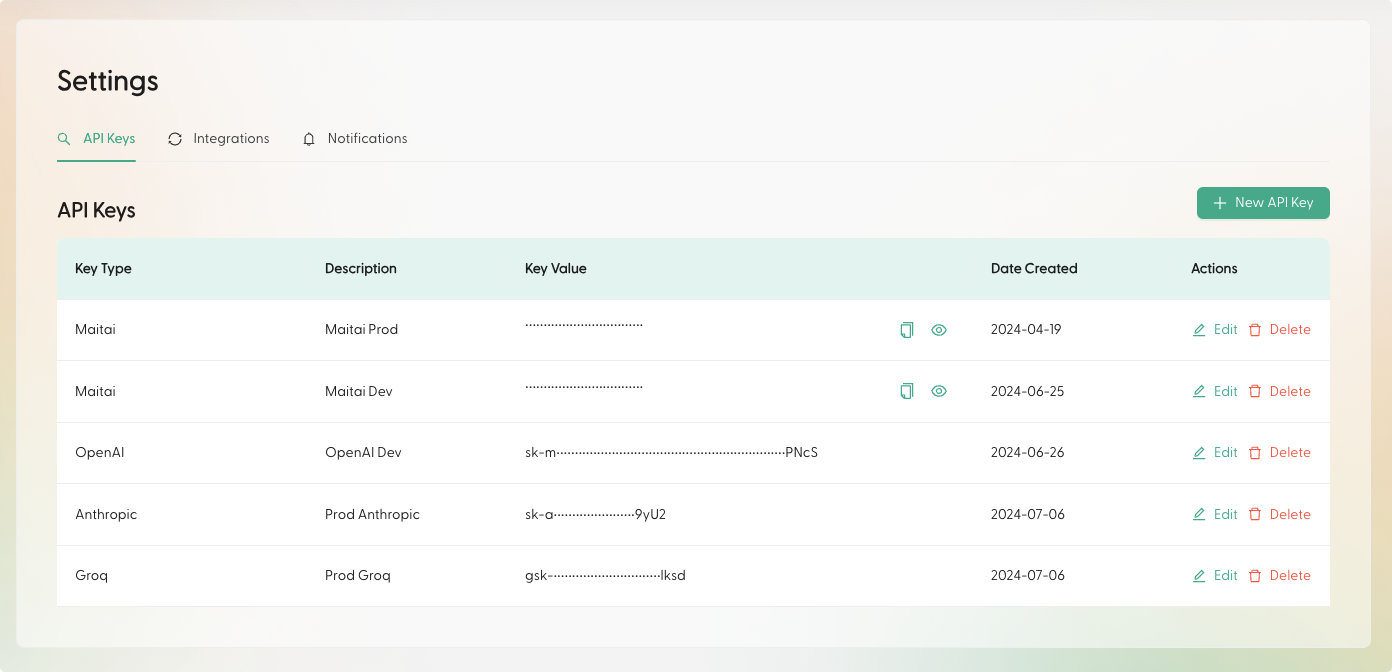
You can create Maitai API keys in the Portal under
Settings > API Keys. For the REST API, pass the key in the X-Maitai-Api-Key header.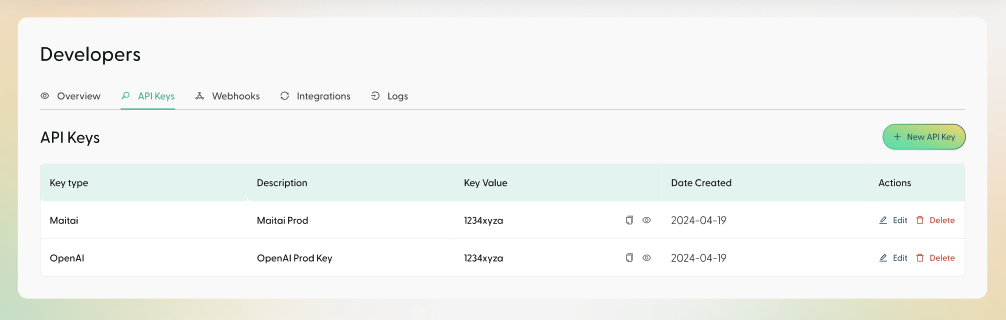
Maitai API key (required)
SetMAITAI_API_KEY:
Provider keys (optional)
Maitai can run requests across multiple providers. You can supply provider keys in two ways.Option A: Environment variables
The Python SDK also supports DeepSeek (
DEEPSEEK_API_KEY / deepseek_api_key).Option B: Pass provider keys into the SDK constructor
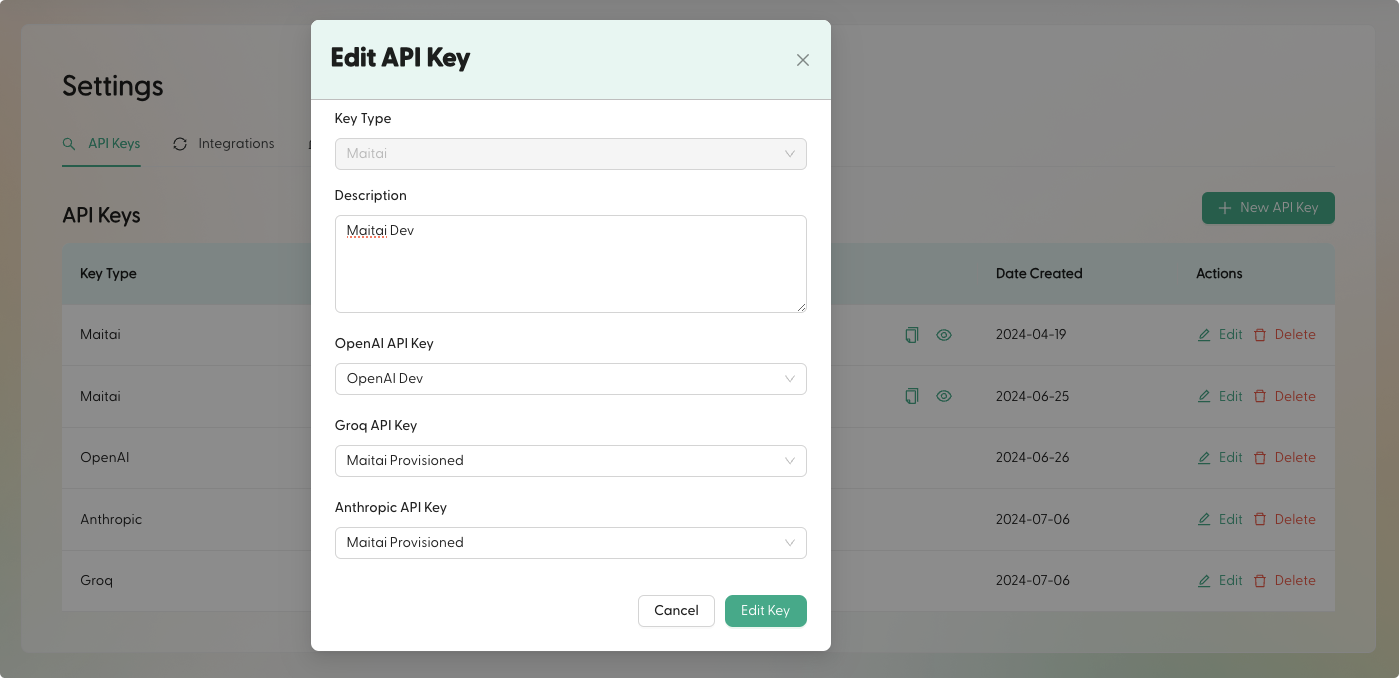
If your company has provider keys configured in the Portal, the SDK can automatically use them after it initializes (so you don’t have to set provider env vars in every environment).
Managing provider keys in the Portal
To better organize credentials across environments, you can store provider keys in the Portal and associate them with a Maitai key. This lets you keepMAITAI_API_KEY as the only required secret for most integrations.