

- Global view: Forge > Compositions > Datasets
- Application view: select an existing Application, drill into the Intents tab, and select an Intent. From there, click on the Datasets tab
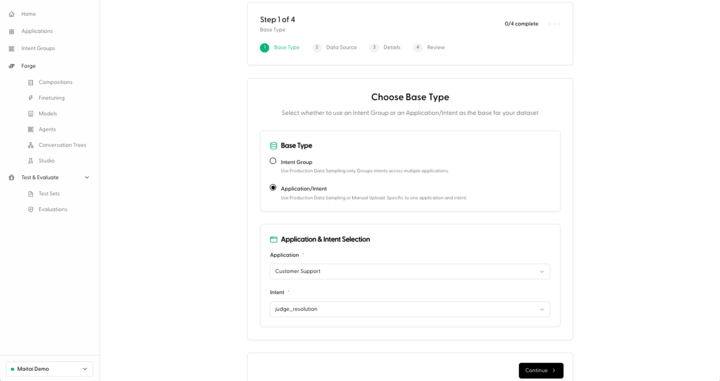
Manually Upload a Dataset
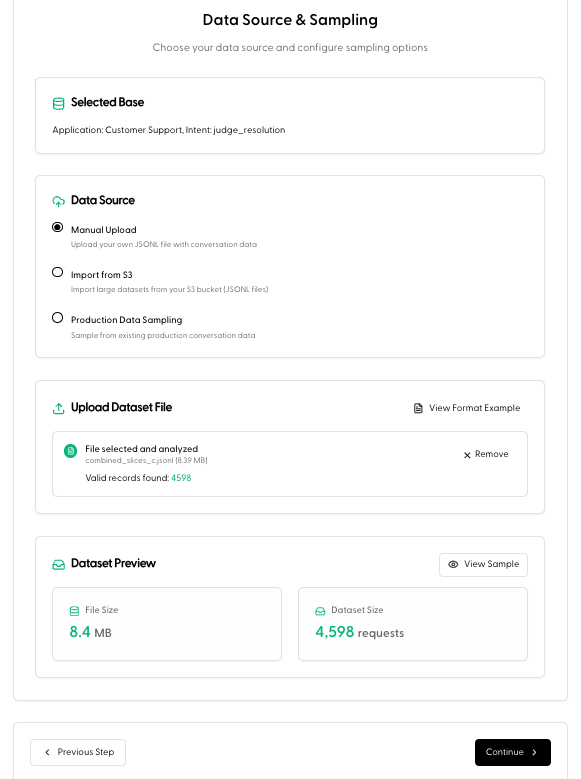
- Select Manual Upload under the Data Source options.
- Under Upload Dataset File, select a JSONL dataset file from your computer. Hit Continue.
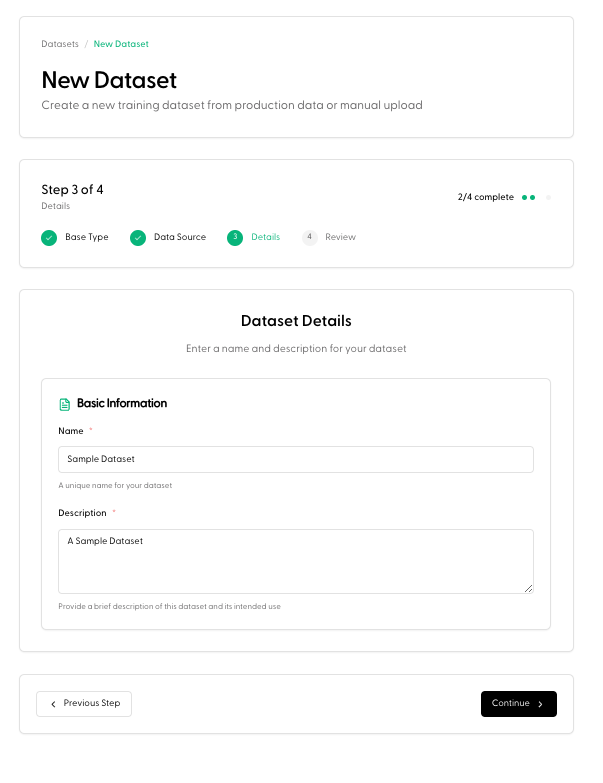
- Under Basic Information, enter a Name and Description for the dataset. Hit Continue.
- Review the Dataset Summary, and click Create Dataset.
Import from S3
- Select Import from S3 under the Data Source options.
- Enter the S3 URL (Add the AWS Region and File glob if necessary).
- Copy and paste the Bucket Policy script into the Permissions section in your AWS account. Replace
YOUR_PREFIXwith the folder path WITHOUT a leading slash (example:data/exports). If you want to grant access to the bucket root, use an empty prefix and remove the prefix condition. - Click Validate Access in the Portal. Hit Continue.
- Under Basic Information enter a Name and Description for the dataset. Hit Continue.
- Review the Dataset Summary, and click Create Dataset.