In Maitai, an Intent is a specific action type within an Application. In the API and codebase, an Intent is represented as an ApplicationAction.
Intents are the unit that most Portal screens use to organize:
request history
analytics (activity and fault rate)
configuration
Where to find Intents You can reach an Intent in a few ways:
From an Application : open /application/:applicationId and click the Intents tab, then click an intent row.From an Intent Group : open /intent-group/:intentGroupId and use the Intents tab to navigate into a specific application’s intent.
An Intent’s detail page is:
/application/:applicationId/intent/:actionId
Intent list (within an Application) On the Application page’s Intents tab, the Portal lists each intent with:
Intent Name (the action_type)Date Created Last Activity Requests (count)
Clicking a row opens the intent detail page.
Intent detail page The intent detail page includes:
breadcrumb navigation back to Applications and the Application
the intent name (action_type)
a description and tags (as displayed from the intent metadata in the Portal)
Tabs on an Intent The Portal intent page has these tabs:
Overview Requests Datasets Models Configuration
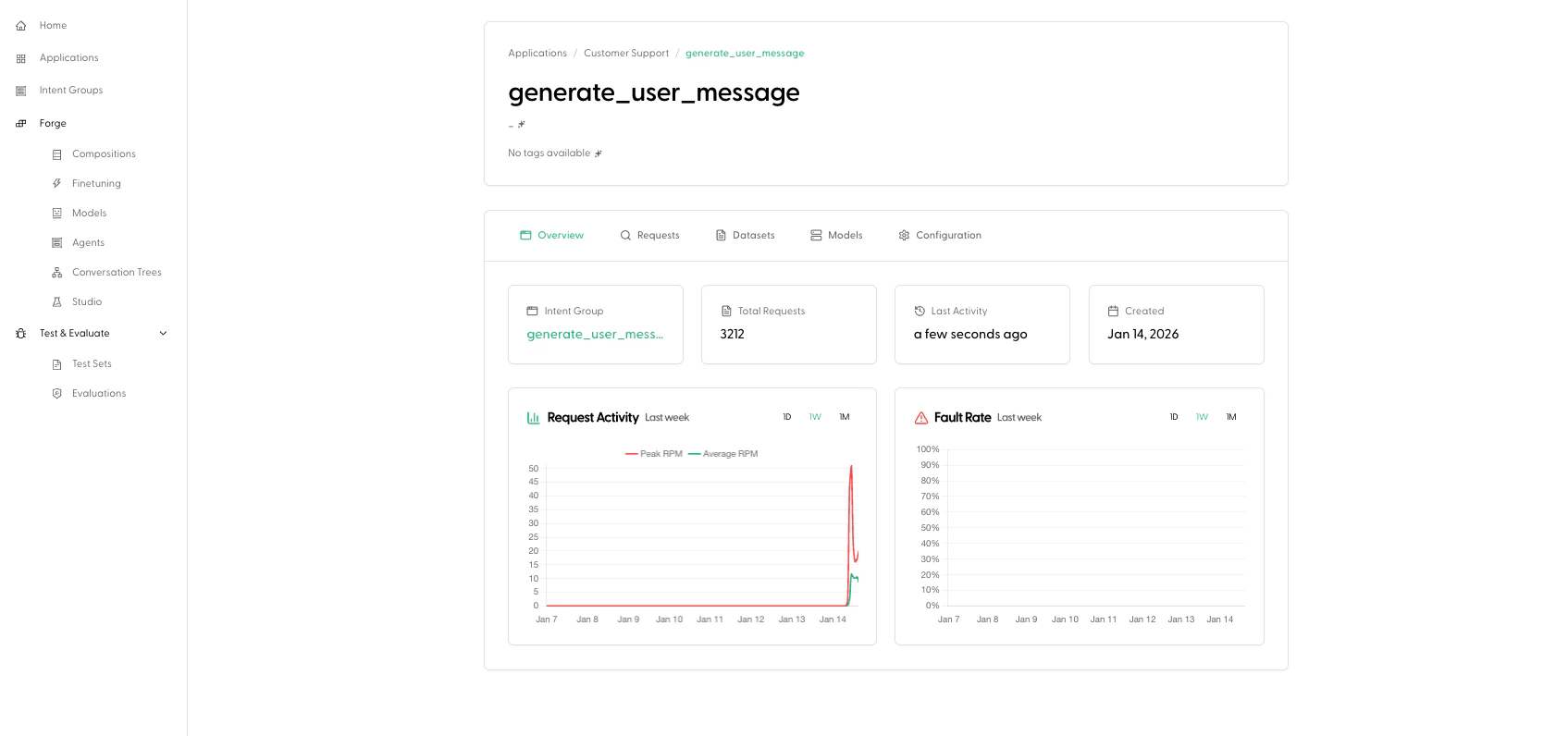
Overview The Overview tab includes:
a link to the Intent Group associated with this intent
key metrics (request count, last activity, created date)
analytics charts:
Request Activity Fault Rate
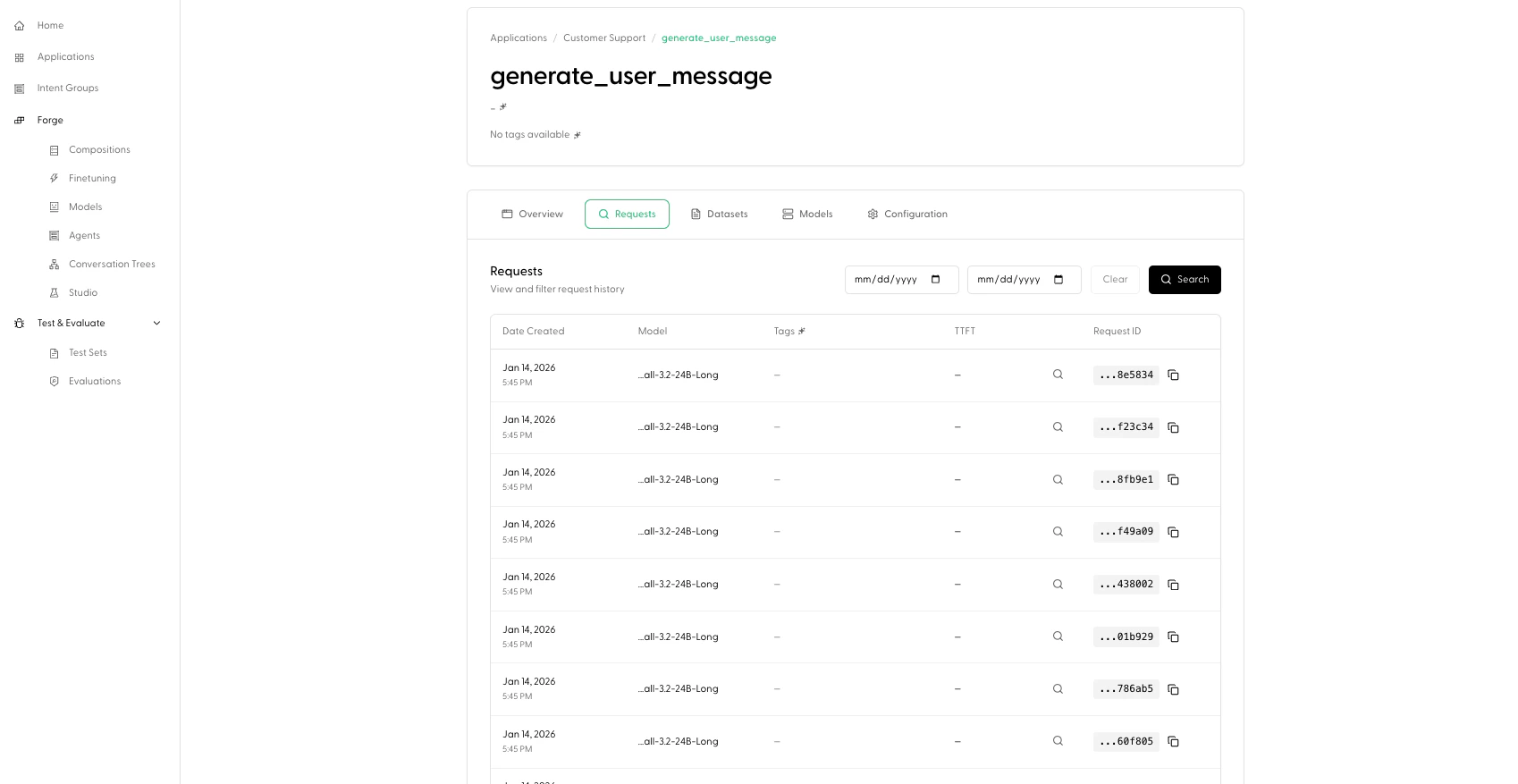
Requests The Requests tab shows request history for this intent, with:
a date range filter
a paginated requests table
From here you’ll typically drill into a specific request to debug behavior.
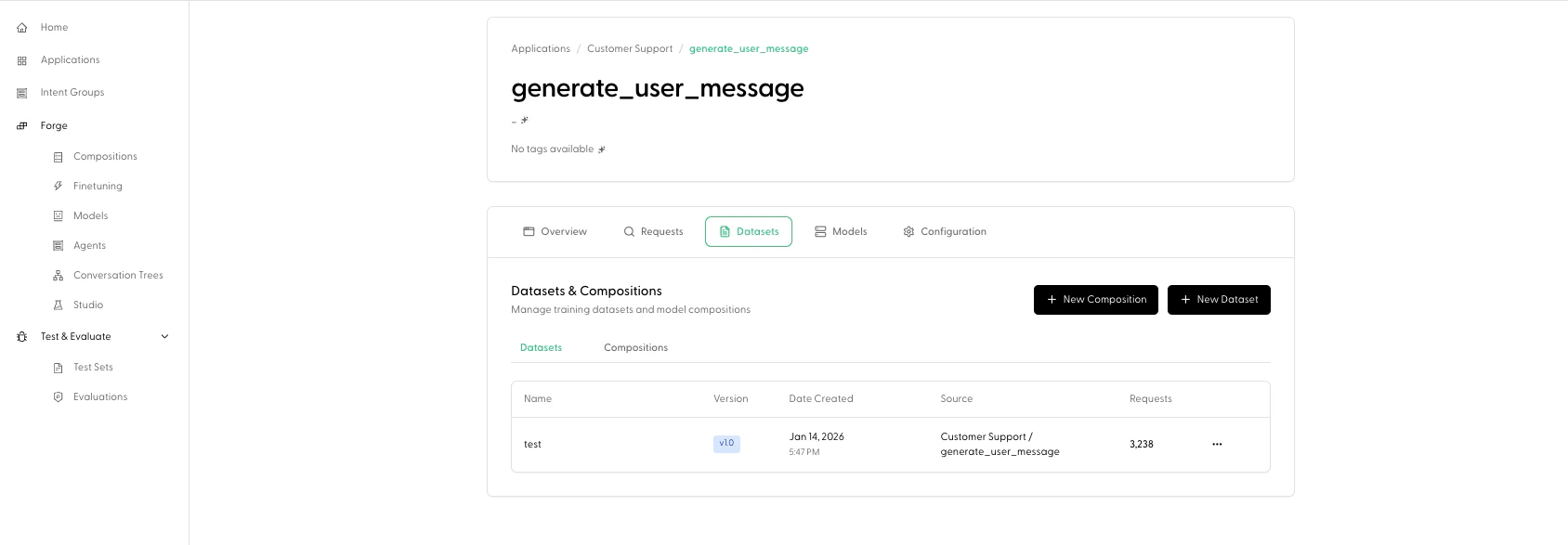
Datasets The Datasets tab is labeled “Datasets & Compositions” and includes:
New Composition and New Dataset buttons (these jump you into Forge with this intent pre-selected)sub-tabs for:
This is an “observe to build” bridge: you can identify an intent with issues, then quickly start creating datasets/compositions for fine-tuning work.
Models The Models tab shows models associated with this intent (as presented by the Portal’s models table).
Configuration The Configuration tab exposes intent-level configuration with:
Reset to Default Save Changes
This is where you tune how Maitai runs requests for this intent.
For details on configuration fields, see Configuration .
How Intents relate to Intent Groups and Test Sets
Intent Groups group intents across applications by shared action type. From an Intent’s Overview tab, you can click through to its Intent Group.Test Sets are organized by Intent Group in the Portal (not directly by Application Intent). See Test Sets .